




Current generation Tablo products are available to residents of the United States (including Alaska & Hawaii). See our store policies page for details.

SALE
$100
Was $500
2-Tuner Tablo Device
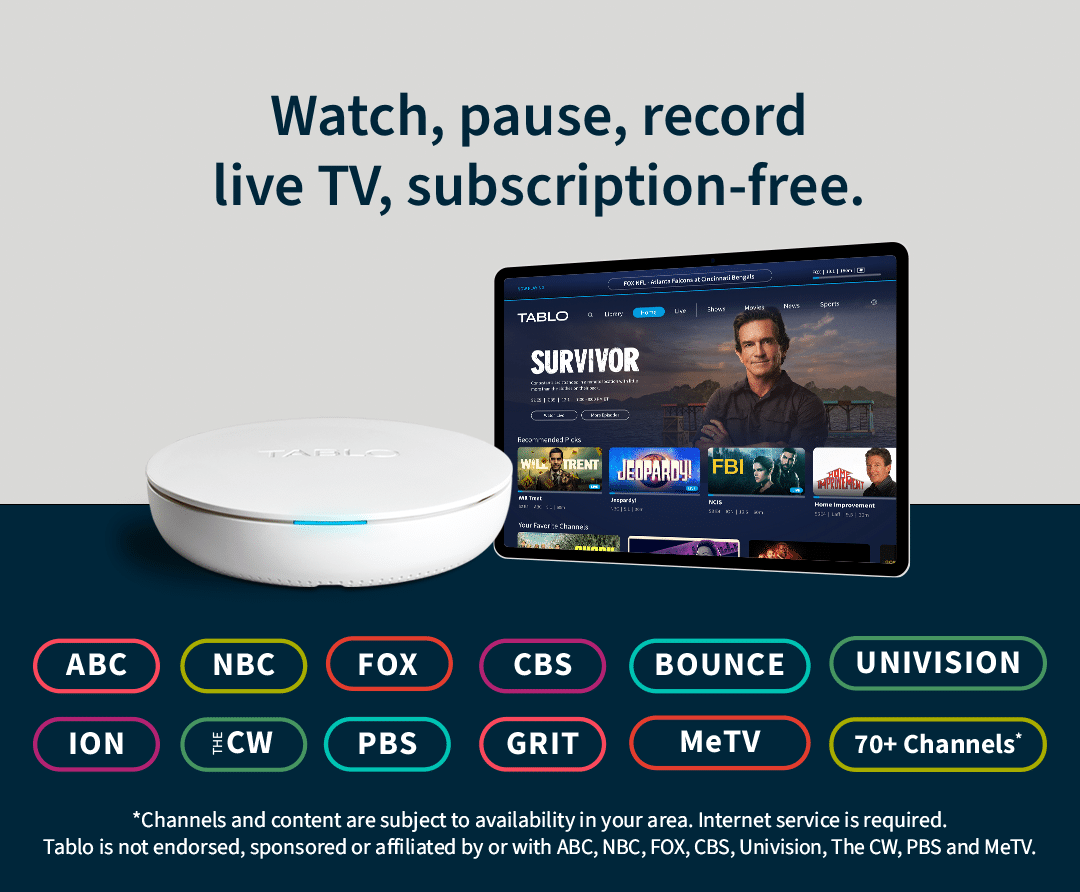
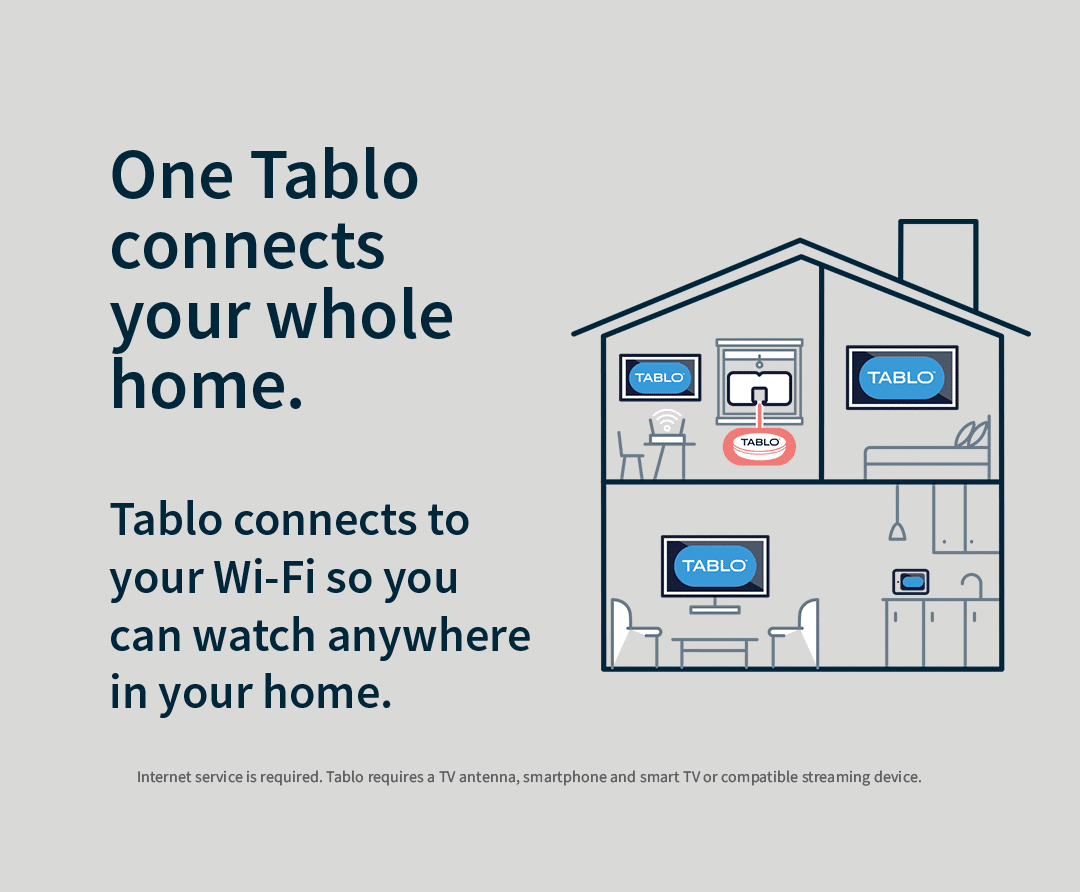
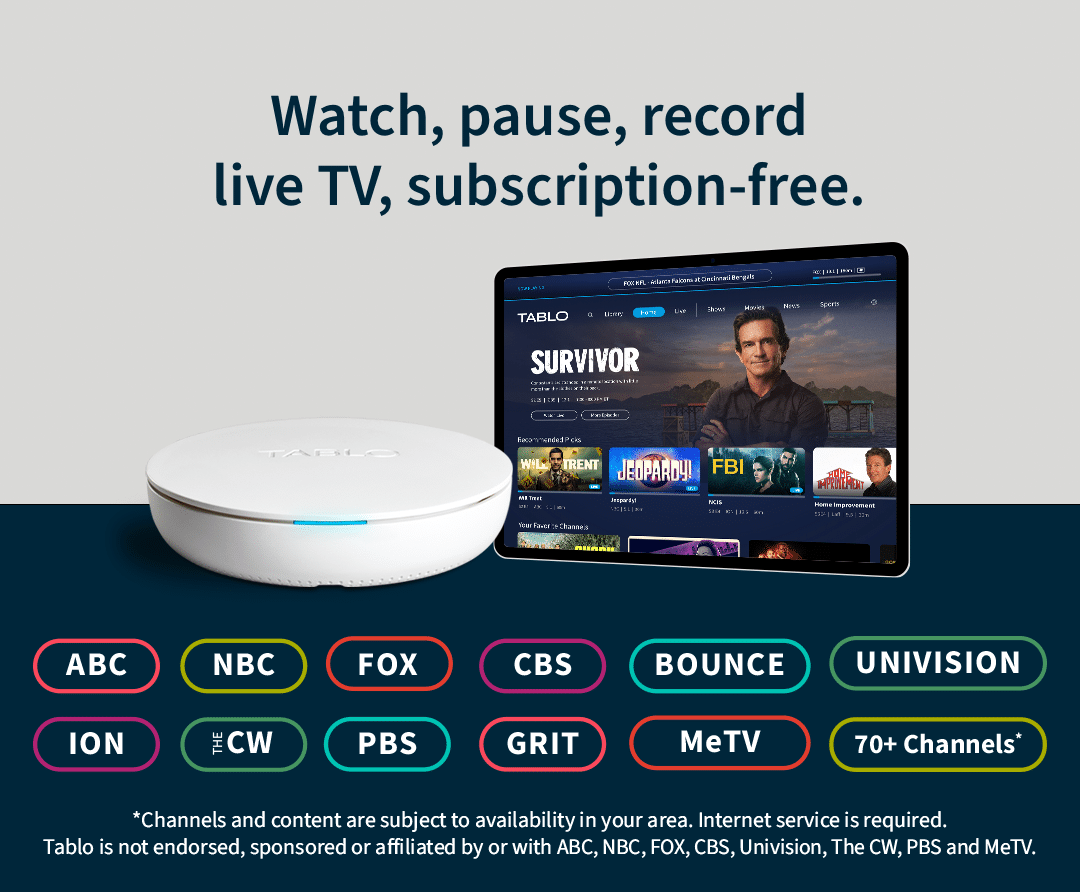
Watch, pause and record 125+ live and streaming TV channels on every screen in your home.
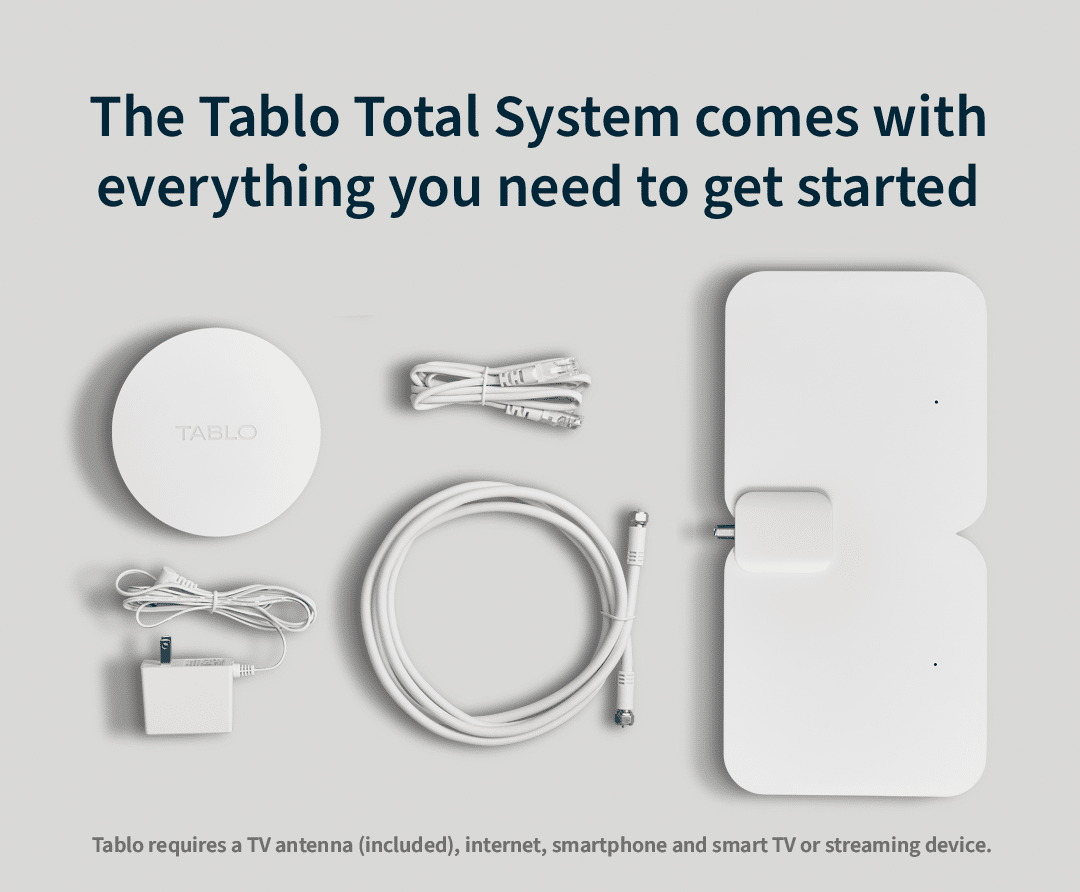
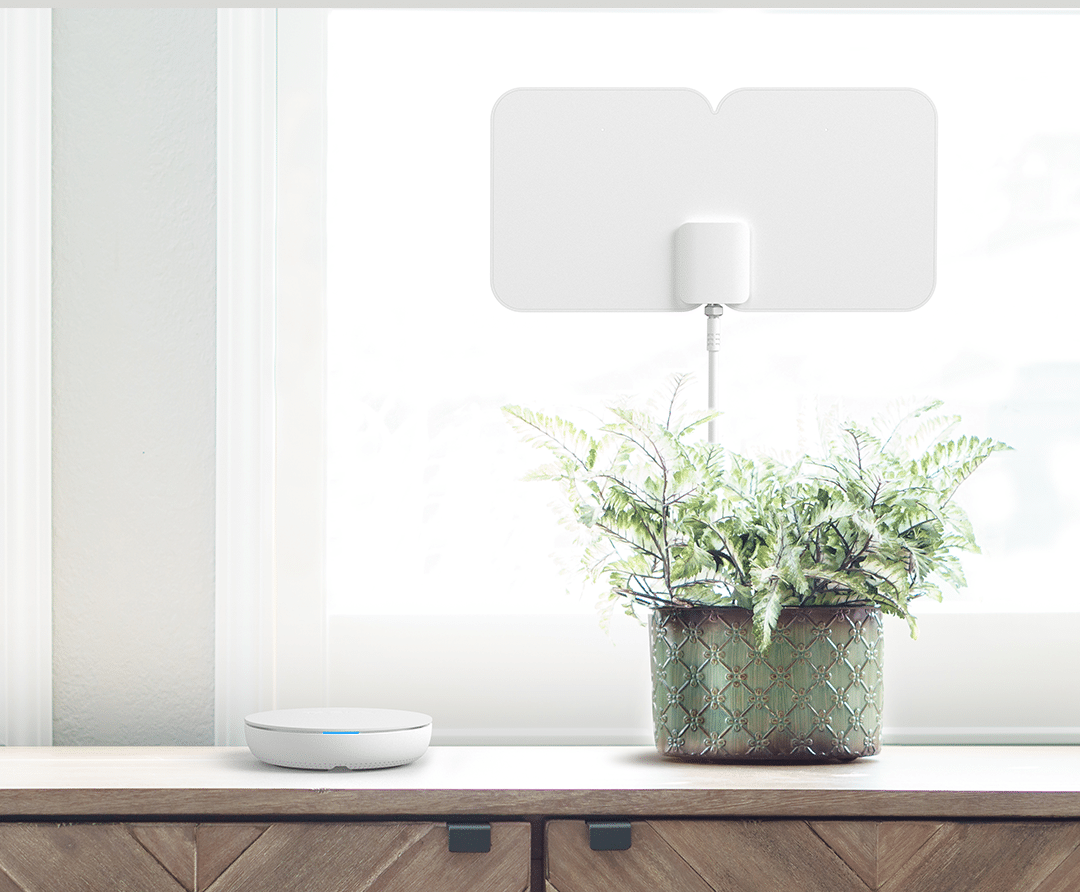
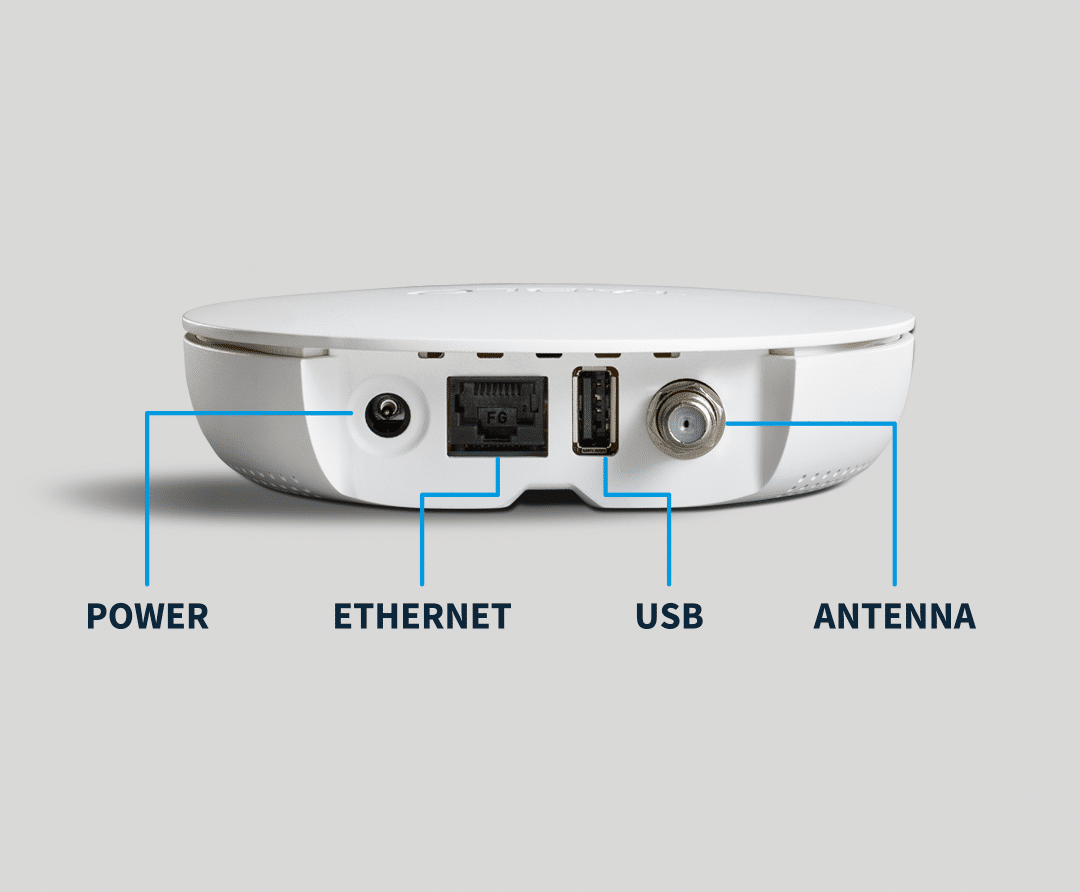
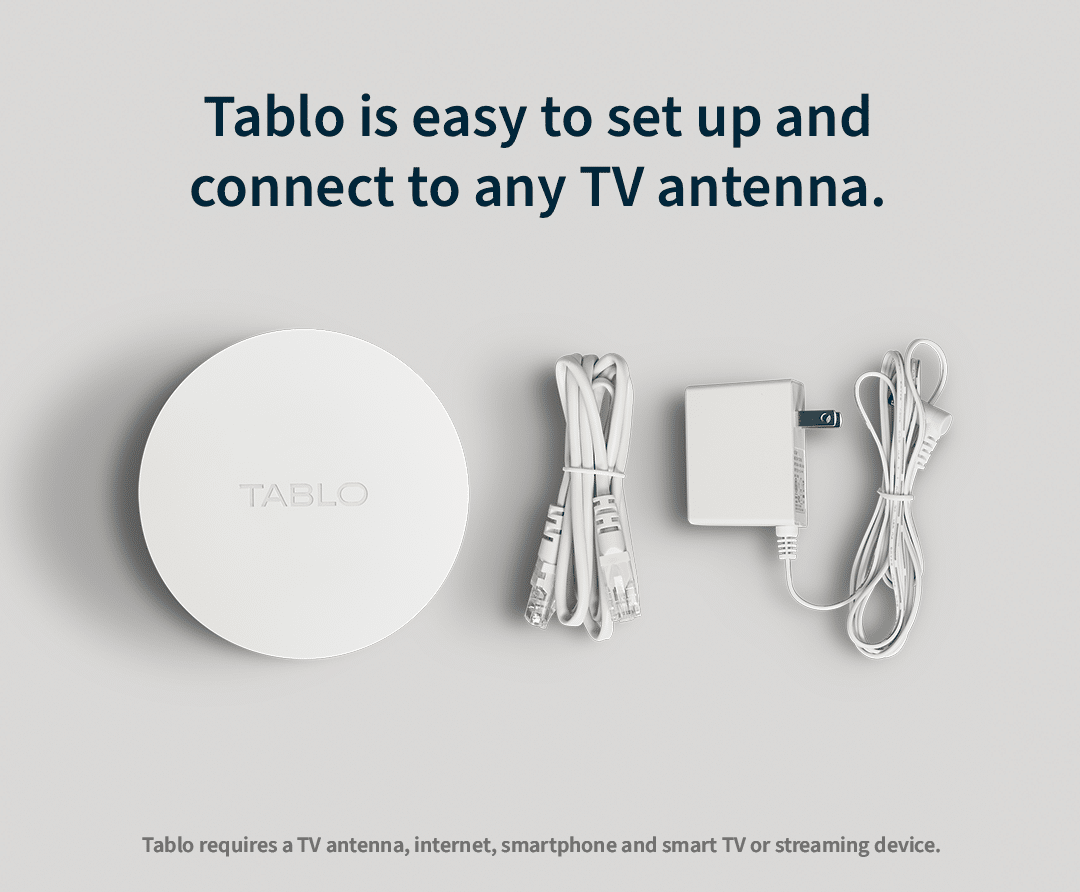
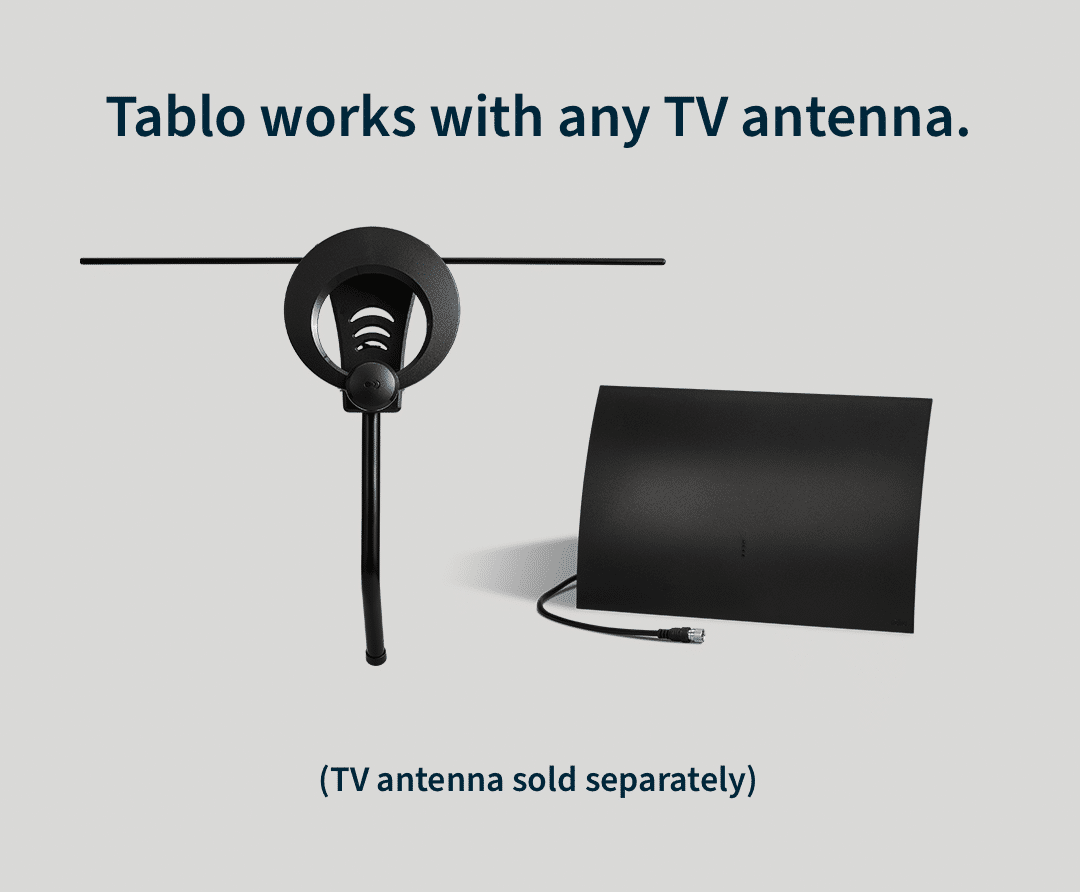
All the core Tablo components you need to start watching are in the box. An over‑the‑air antenna is included only with Tablo Total System or “Antenna Included” bundles; “Device‑Only” options require you to use or purchase your own antenna. Internet service is required. Tablo TV requires a Tablo device, TV antenna and compatible smart device. For a list of compatible smart devices visit www.tablotv.com/apps.
Not sure which Tablo is right for you?
Enter your zip code or address to see what channels you could enjoy with Tablo.
Looks like you are located in the area. Not right? Enter your zip code or address.
Channel results subject to TV antenna reception and internet access. These results should be used as a rough estimate of what channels you might expect to receive based upon the location details with an antenna placed at a height of approximately 13′. Your results may vary. Most installations will require some optimization in terms of antenna type, quality and placement. The information used to generate these results is based on data from the FCC and Titan TV and does not factor in topography, trees, obstructions or other factors that may impact TV signal reception. Its accuracy and completeness are not guaranteed. Tablo is not responsible for any errors or omissions. Tablo is not endorsed, sponsored by, or affiliated with all channels listed. Recording of some free streaming channels may be disabled due to licensing restrictions.
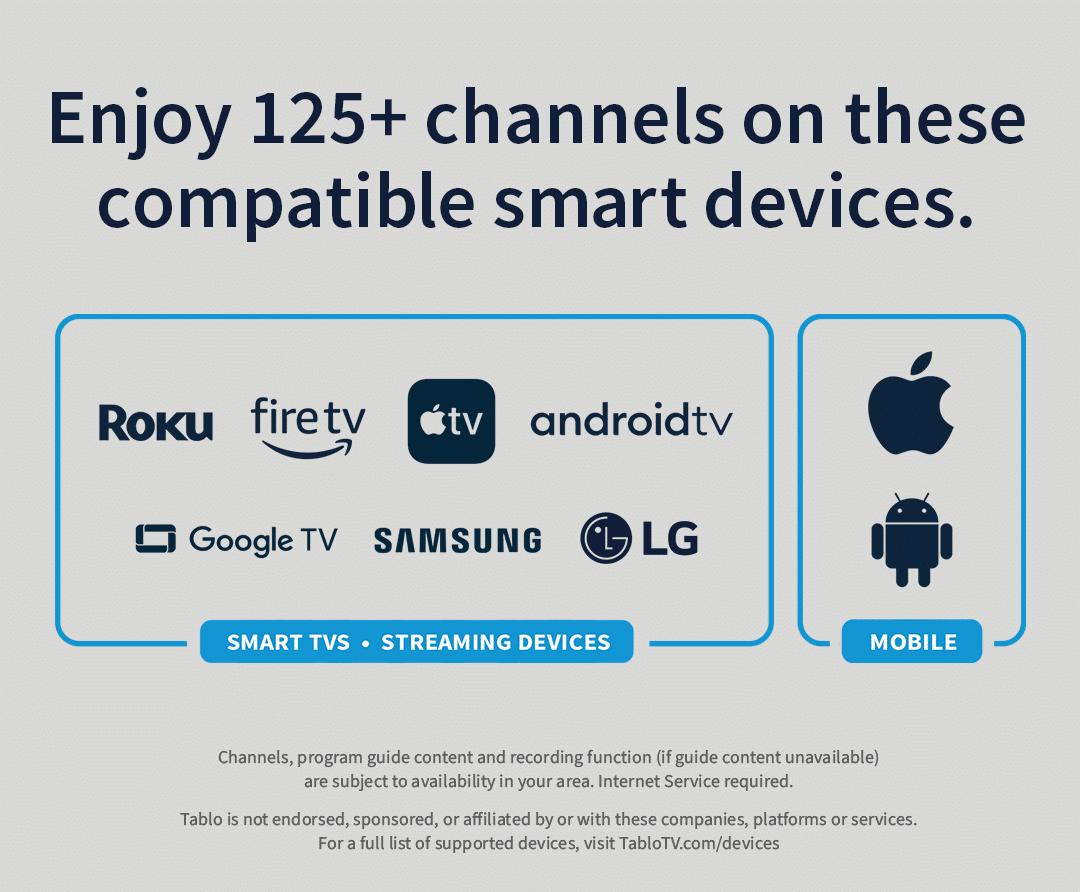
So many ways to enjoy TV with Tablo. Simply download the Tablo app on your favorite smart device and it’s showtime!
Tablo is not endorsed, sponsored or affiliated by or with these companies, platforms or services.
You’ll be enjoying free TV with just four easy steps.
Internet service is required. Tablo TV requires a Tablo device, TV antenna and compatible smart device. For a list of compatible smart devices visit www.tablotv.com/apps.
My family got me a Tablo for Christmas because I wanted to save money on my TV bill with the cable company! I love it! It is very easy to use and to understand and I can even record programs when I’m not there in person to watch them and as long as I delete them after I watch them, I have an infinite amount of space. It is the perfect thing for people who want to save money and still watch a majority of the programs that they have come to love thank you to whoever invented it.
Kristine from Phoenix, AZ
Watching Tablo on 3 TVs and it works great. I had TiVo and got pixelating on a couple live TV stations. Tablo comes in clear and sharp. A much better tuner.
Marv T. from Eagan, MN
I’ve had my Tablo for about 10 Months. The setup was super easy. The picture quality is superb. It turns a antenna input into a nicely formatted guide and the DVR function is great. I did have an issue with the device freezing. I tried all the debugger FAQs however nothing worked long term. I noticed that the device was very hot each time that this occurred. I read that the chip set was designed to run hot. However there must be another heat sensitive component, because once I added a 5v PC fan I haven’t had another crash. Bottom line is that I love my Tablon in spite of the minor issue.
David B. from Erwin, TN
Thousands of satisfied customers love Tablo
Current generation Tablo products are available to residents of the United States (including Alaska & Hawaii). See our store policies page for details.
Shipping is always free to residents of the United States. We hope you love your Tablo, but if you’re unhappy with it for any reason, we offer a 30-day money-back guarantee. Customers must pay for return shipping. See our store policies page for details.

No. Tablo is a whole-home antenna TV DVR. It is not designed to boost antenna TV reception or help your existing TV antenna pick up more over-the-air TV channels. If your current TV antenna struggles to pick up one or more channels, it is advisable to improve the placement of your TV antenna or upgrade to a more powerful model.
The keys to proper TV antenna placement are to place it as high as possible, facing the direction of your local broadcast towers. For indoor TV antennas, we recommend a spot on the top floor of your home, on or near a window facing your local broadcast towers. If that’s not possible, or you live in a suburban or rural area, an outdoor TV antenna mounted on your roof or balcony may be a better solution. If you’re not comfortable DIY-ing the installation, a professional TV antenna installer can assist. For further advice, go here.
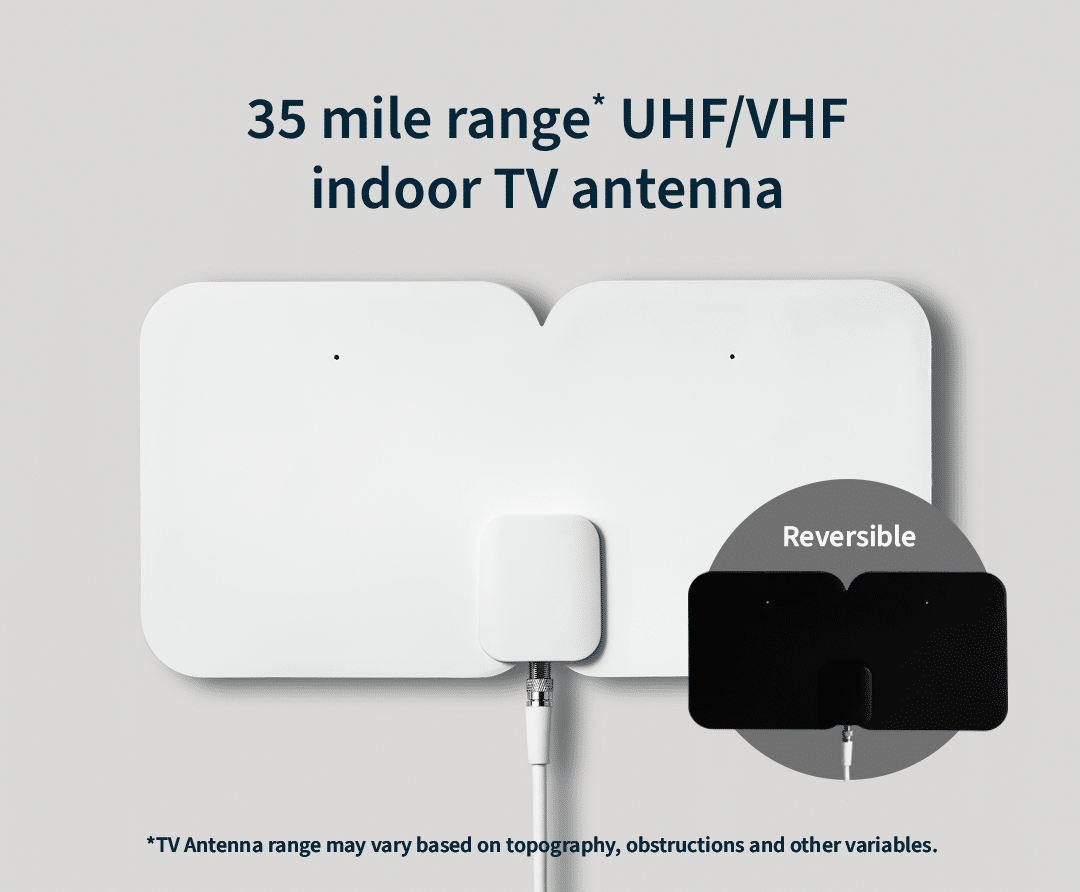
The TV antenna that comes with the Tablo Total System has an approximate range of 35 miles. This antenna should be sufficient for most users who:
More powerful or specialized TV antennas may be required to receive all the channels broadcast in your area.
Unfortunately, there’s no one-size-fits-all answer. What kind of TV antenna will work best for you depends on the location and the distance of your local broadcast towers, the type of frequency on which your local channels are broadcast and potential sources of obstructions or interference. Check out this article for details.
You do. The only way for Tablo to receive local broadcast channels is through a TV antenna.
Yes! Tablo supports closed captioning on most platforms.
Yes. Tablo supports the passthrough of 5.1 Surround Sound to devices capable of decoding this sound profile.

Yes! You can begin watching in-progress recordings as little as 30 seconds after they’re set to start on the majority of Tablo apps.
4th Generation Tablo models have either two or four tuners. Tuners decode the signal coming in from your over-the-air TV antenna so you to watch and record that content. The more tuners your Tablo has, the more channels you can watch and record at the same time. Sports fans, larger families, and TV enthusiasts will appreciate the flexibility additional tuners offer. Visit the Tablo Knowledge Base for more information.
Sometimes, just restarting your smartphone or tablet can clear up issues with apps. The links below will provide detailed instructions on how to force close your Tablo app.
Android smartphones
Most Android smartphones and tablets can be restarted by holding the POWER button and then selecting RESTART or POWER OFF and RESTART from the POWER OPTIONS menu.
NOTE: Newer Samsung devices require you to hold the POWER/SIDE button and VOLUME DOWN to make the POWER OPTIONS menu appear. On the Google Pixel 6, hold the POWER and VOLUME UP buttons.
Sometimes, just restarting the app can fix things. The links below will provide detailed instructions on how to force close your Tablo app.
Don’t worry, we’ve got you covered. Follow the steps in the video below for a full walkthrough of the remaining parts of the Tablo setup process.
Please enter a valid address.
We recommend entering your full address for the most accurate results.

Get More Than Over-the-Air Channels
Enjoy More with Free Streaming Channels
This is an estimate only. Actual broadcast TV channels received may vary based on TV antenna location, reception, topography, and other obstructions. Streaming channels require an internet connection. View the Channel Details Report for specifics of each channel and to help determine what antenna is needed.
Reception alert: Based upon the location you entered, you may not get many of the major networks. As a result, Tablo may not be the best fit for you. Please enter your full address above for best accuracy.
Major networks you know that have live sports, major events, local news and more.
Internet-based free streaming channels .