


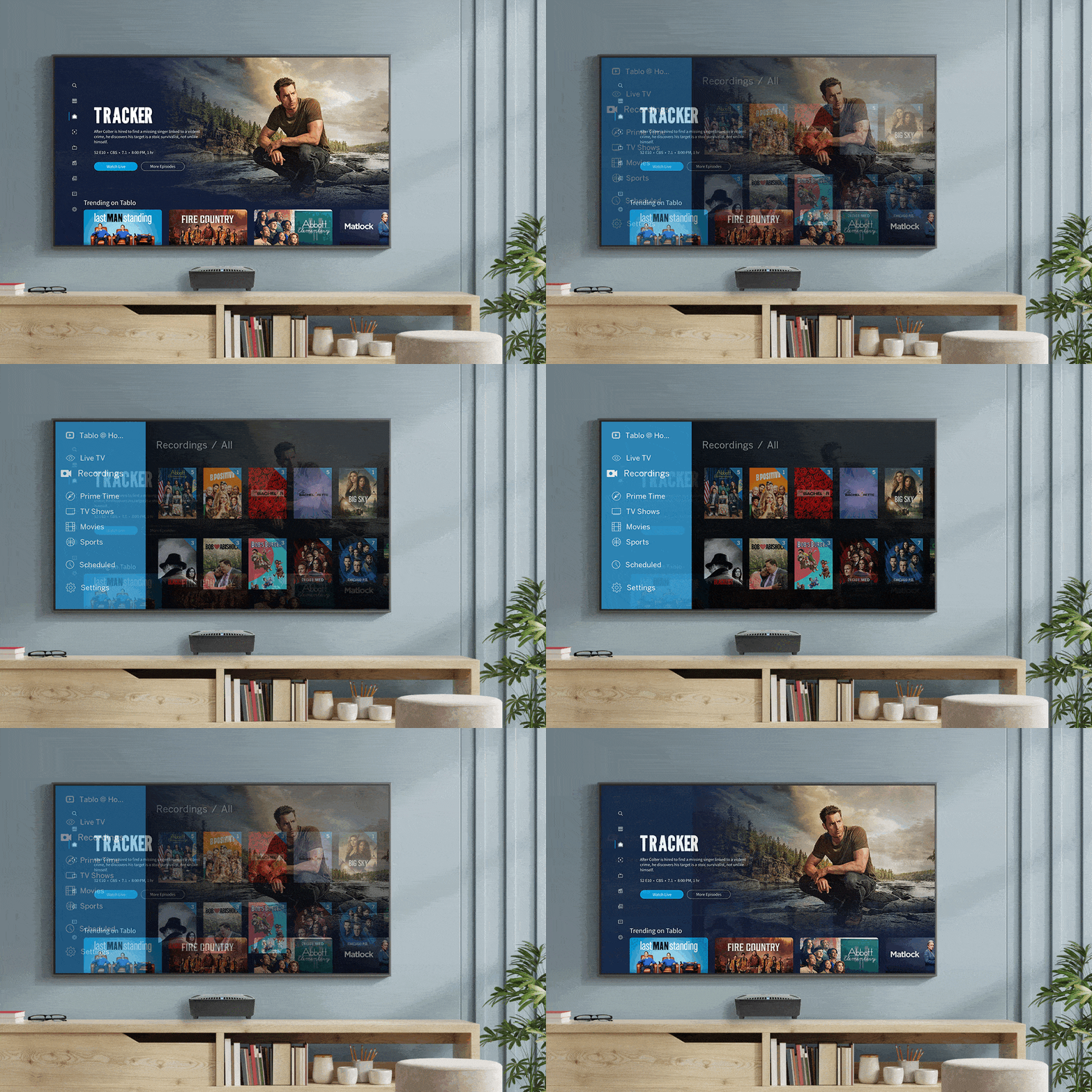












The following legacy network-connected Tablo devices are eligible for the legacy transition: Tablo DUAL LITE, Tablo DUAL 64GB, Tablo DUAL 128GB, Tablo QUAD, Tablo QUAD 1TB and the original 2-Tuner and 4-Tuner Tablo models.
Legacy TV-connected Tablo devices including the Tablo DUAL HDMI and Tablo QUAD HDMI are not eligible for the legacy transition. Those devices were eligible for a trade-in offer to upgrade to the 4th Generation Tablo, which has now expired.
If your Tablo is eligible to participate in the legacy transition, you do not need to purchase a 4th Generation Tablo device, nor is there any cost associated with the transition.
Once you update your legacy Tablo firmware to version 2.2.58 or higher, you will be able to complete the Legacy Transition process and access your legacy Tablo device via 4th Generation Tablo apps.
There are two reasons why you may not see a prompt to update your legacy Tablo's firmware to version 2.2.60.
No, but you should anyway. We encourage owners of network-connected legacy Tablo devices to update their firmware even if they never plan to use 4th Generation apps.
There are many other bug fixes and performance improvements within the 2.2.60 firmware beyond the ability to use 4th Generation Tablo apps.
Legacy Tablo subscription account portal credentials will not be recognized since there is a different account system for 4th Generation Tablo apps.
As part of the legacy transition for older Tablo devices, you must create a NEW account using the 4th Generation Tablo app on your smartphone or tablet by selecting 'I'm new to Tablo'.
You can, however, reuse the same email address and password connected to your legacy Tablo account.
Only those who previously set up a 4th Generation Tablo device should select 'I have a Tablo account' when logging in to the 4th Generation app.
Those who are already logged into an existing 4th Generation account should select the profile icon in the top right of the app and then select ADD NEW TABLO. Your legacy Tablo device should be listed.
If you don't see your legacy Tablo device listed, select SIGN OUT. When you sign back in, both your 4th Generation Tablo and your legacy Tablo device should be listed in the found devices.
Select your legacy Tablo device and follow the prompts.
Yes! Tablo’s legacy transition WILL NOT prevent you from accessing your Tablo through the legacy Tablo apps you use today or alter the features available to you within legacy apps. It simply provides you with more choices for using and accessing your Tablo moving forward.
For example, you can use 4th Generation Tablo apps at home, but rely on legacy Tablo apps for out-of-home viewing via Tablo Connect*.
*Requires an active TV Guide Data Service subscription
Legacy Tablo apps have a light blue and orange color scheme. 4th Generation Tablo apps have a dark blue color scheme.
Until you've completed the legacy transition process, you will not be able to access your Tablo via 4th Generation apps.

Features like Automatic Commercial Skip and Tablo Connect will continue to be available via legacy Tablo apps for those with active TV Guide Data and Premium Service subscriptions.
These features are not available via 4th Generation Tablo apps, regardless of your subscription status.
No. Access to free streaming channel content, both live and recorded, is limited to 4th Generation Tablo apps.
Yes! Most recordings previously scheduled or recorded via legacy Tablo apps will be visible, playable and manageable via 4th Generation Tablo apps.
The exception is manual recordings. Manual recording schedules will continue to function and create new recordings.
However, only manual recordings completed within the previous 2 weeks will be viewable and playable via 4th Generation Tablo apps (within the Latest screen).
Older manual recordings and editing of manual recording schedules will not be available via 4th Generation apps at this time. Those functions will continue to be available via legacy Tablo apps.
If you plan to switch fully to 4th Generation Tablo apps after completing the transition steps, you can delete legacy Tablo apps from your devices.
This will not delete any recordings or settings from your Tablo device.
However, there are no issues with keeping both legacy and 4th Generation Tablo apps installed on your devices if you plan to use both sets of apps moving forward.
Free streaming channels will not be auto-selected during channel scans on 4th Generation apps for legacy Tablo devices. To add streaming channels to your lineup, go to SETTINGS > GUIDE > CHANNEL LINEUP and select (by adding a checkmark) the free streaming channels you're interested in. Then hit SAVE.
Legacy Tablo devices cannot access or display free streaming channels that use HTTPS technology. For this reason, the lineup of free streaming channels available to legacy Tablo device users will be different than those available to 4th Generation device users.
A list of current free streaming channels available for each type of Tablo device is available on the Tablo Knoweldge Base.
While Canadian customers will not be able to access free streaming channels via 4th Generation Tablo apps, they can still use the new apps to watch, pause, record and stream over-the-air TV content.